
NEW Director/Secretary

- Complete the Adventist Screening Verification (Training and Background Check)
- Allow a few days to process your background check.
- Log back into Adventist Screening Verification and retrieve your background check completion date (not the date you filled out the background check) and make note of exactly how your name is written.
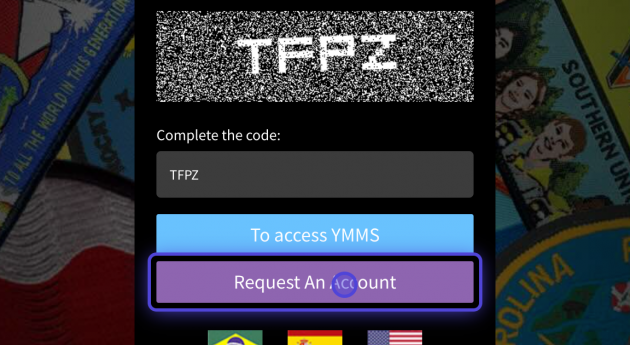
- Visit the YMMS (Youth Ministries Management System) website at and use the purple “Request An Account” button.
Requesting or Reactivating Your YMMS Account
At the start of every year as a first step, every current and new Club Director and Club Secretary must “Request An Account”.
With the above steps complete the following steps:
1. Go to Youth Ministries Management System

2. Select the purple “Request An Account” button.
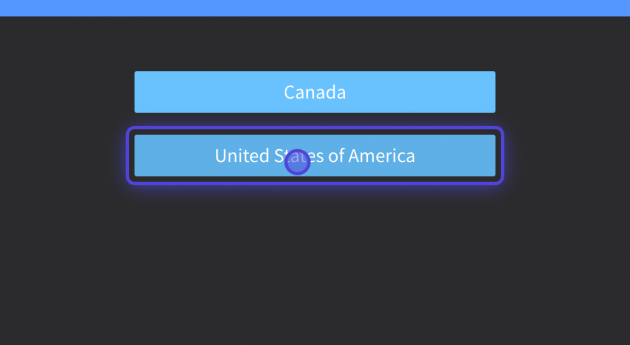
3. On this new page, select the “United States of America” option.
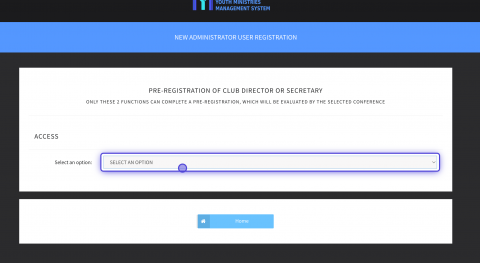
4. On this third page, click on on “select an option.”
Existing or returning staff click on “I already have a registration (Including inactive).”
New Club Directors & Secretaries select “I don’t have a registration (or I’m not sure).”
5. Now finish by selecting a roll and filling in the rest of the fields.
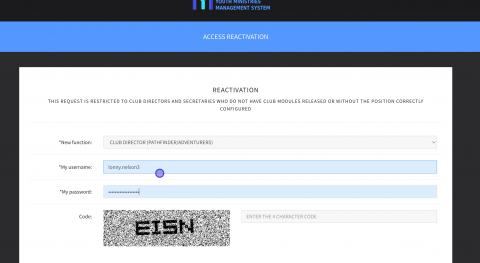
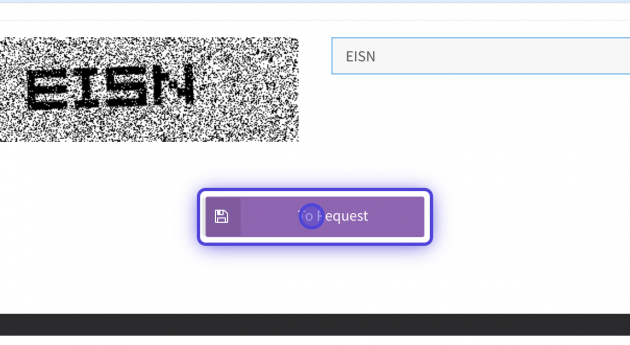
6. Click the purple “To Request” button.
What to do while I wait for my account to be activated?
Here is a list of items to take care of for the new year to start smoothly:
- If your Conference requires it, make sure ALL your staff are properly background checked through Adventist Screening Verification.
- Pre-plan your Club year (meetings, campouts, field trips, and special programs) and get your dates and curriculum officially approved by your church board. This will ensure the club is covered by the church’s insurance.
- If your Conference requires it, process all Driver Questionnaires for any Volunteer Drivers you might have for the year.
- Purchase curriculum and resources from AdventSource.org